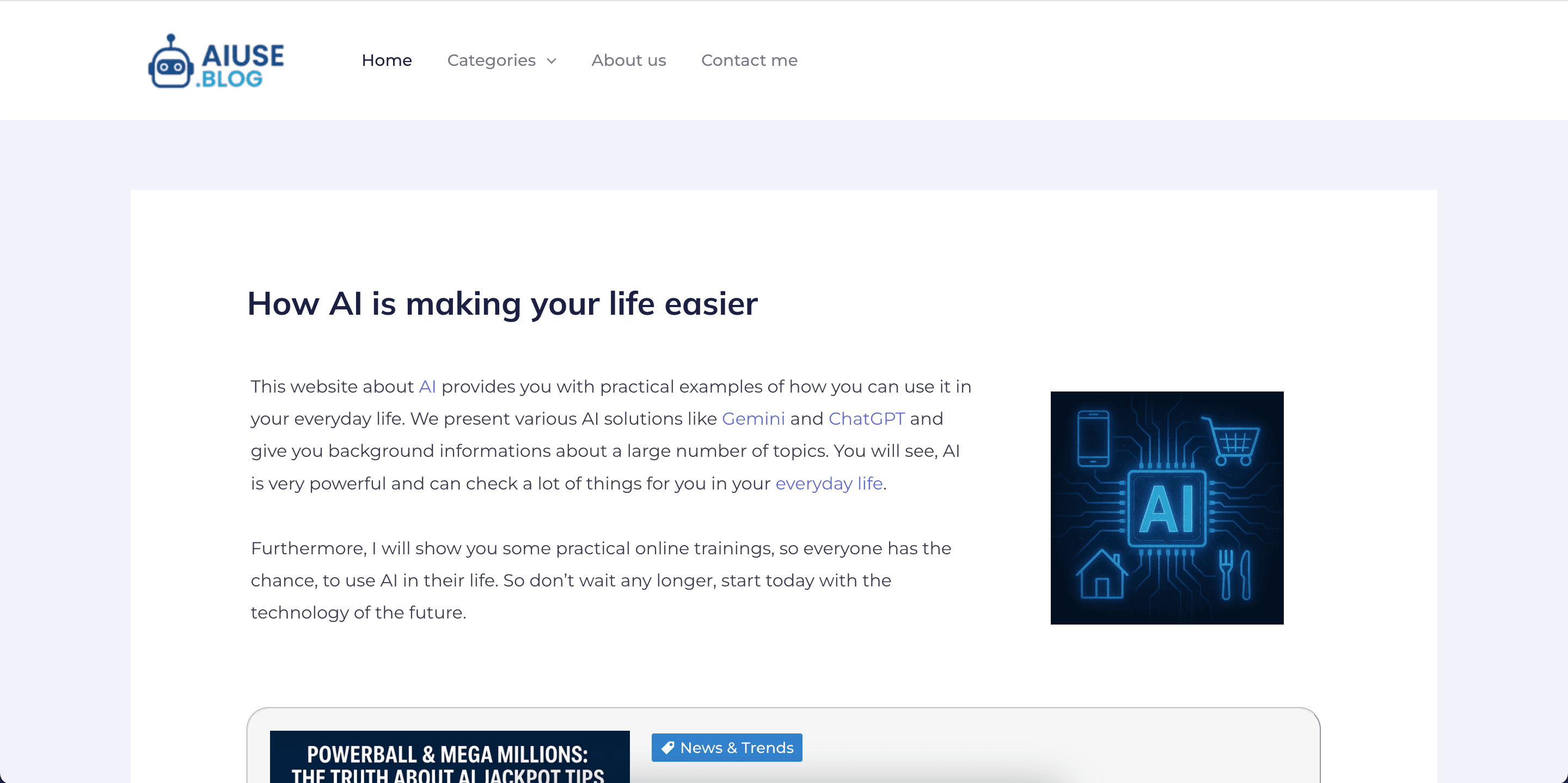
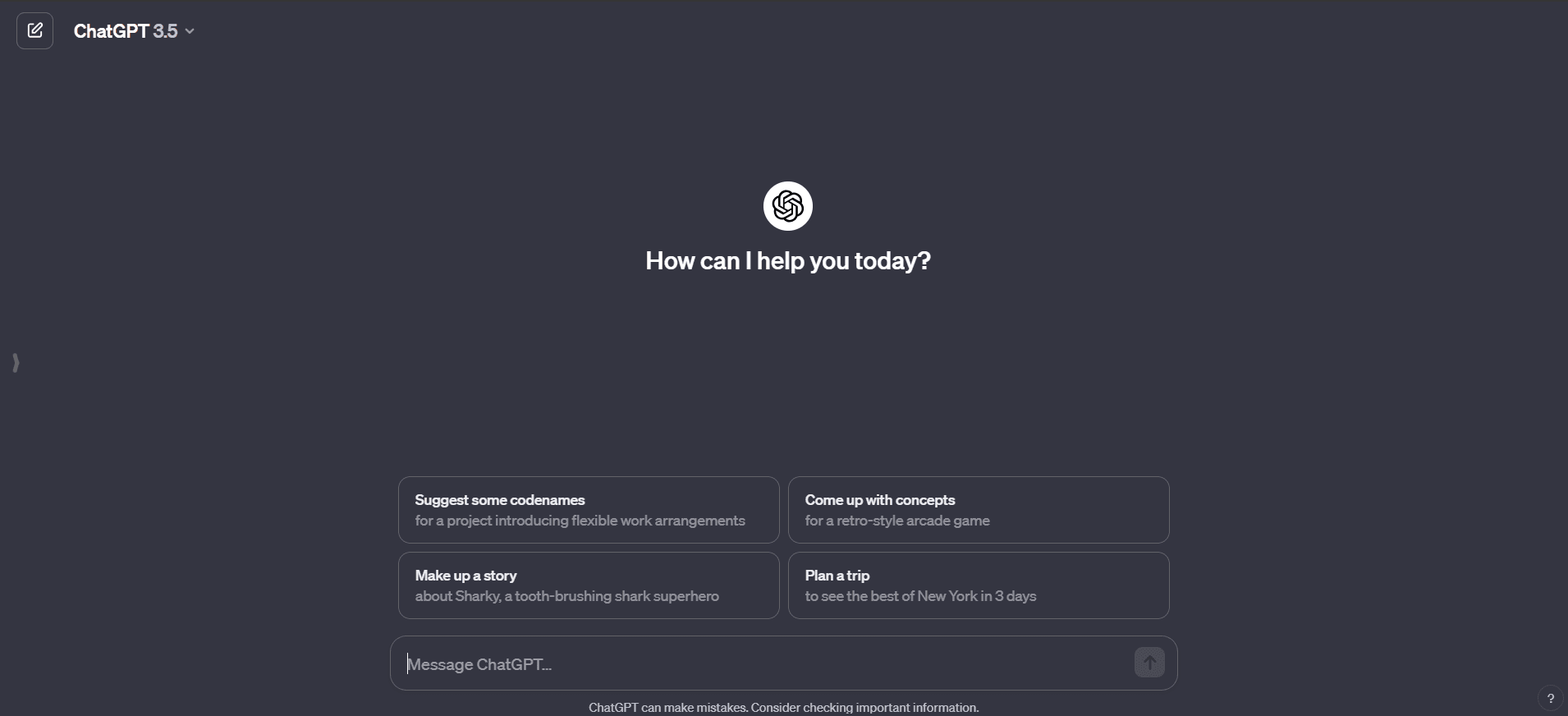
AI for daily life, found at aiuse.blog, is a small independent content site with one clear premise: most people don't need to understand how AI works, they need to see what it can actually do for them this week. The site publishes practical articles, examples, and walkthroughs showing how everyday tools — mainly ChatGPT and Google's Gemini — can help with ordinary tasks like drafting messages, translating text, planning trips, studying, and handling small-business admin.
To be clear about what this listing is: aiuse.blog is a blog, not a software product. There's nothing to install, no account to create, and nothing to pay for. You visit, read, and try the ideas in whichever AI assistant you already use. We include it in the directory because a well-aimed reading resource is often the missing piece for people who have heard about AI constantly but haven't found a reason to open ChatGPT twice.
What the site actually covers
The articles are organized around scenarios rather than technology. The everyday-life category collects concrete examples — using an assistant to rewrite an awkward email, summarize a long document, check grammar in a second language, or plan a holiday itinerary. Other posts cover AI in education (study aids and learning routines for students), business uses like marketing copy and customer-service replies, and creative applications such as image generation. Alongside the how-to material there are background explainers giving newcomers context on what these tools are and what their limits look like.
The tone is plain and beginner-first. Posts tend to walk through a task step by step, show what to type, and explain what came back — closer to a patient friend demonstrating something on their laptop than to tech journalism.
Key things you'll find
- Worked examples of everyday tasks done with ChatGPT and Gemini
- Step-by-step tutorials written for people with no technical background
- Category pages for daily life, education, business, and travel uses
- Background articles explaining AI concepts in plain language
- Free access to everything — no paywall, no sign-up
Who it's for
Beginners, mostly. If you already prompt ChatGPT comfortably every day, little here will surprise you. But if you're the family member who keeps asking what AI is actually for — or you're helping that family member — this kind of scenario-based reading is exactly the right on-ramp. It also suits students and small-business owners looking for starter ideas they can copy directly.
Our take
We have a soft spot for modest sites like this. The AI content space is crowded with hype and recycled listicles, and aiuse.blog's approach — small, concrete, reproducible examples of real tasks — is the format that actually gets hesitant people using these tools. Reading one post and immediately trying the same prompt yourself is a better first hour with AI than most YouTube explainers deliver.
Keep expectations calibrated, though. This is a small independent blog, not a deep reference: coverage is uneven, article depth varies, and because AI products change monthly, some walkthroughs will inevitably lag behind the current interfaces of ChatGPT or Gemini. There's no community, no tooling, and no structured course to progress through. Treat it as a starting point — read a few posts, steal the ideas, and once you're comfortable, you'll naturally move on to experimenting directly. For the price of nothing, that's a fair deal.