Predis.ai helps develop social content and marketing creatives with AI assistance.
AI Social Media ToolsSee website
Canva combines AI assistance with a visual design editor. Develop ideas for presentations, graphics and other content, then adjust the layout, typography and brand details.
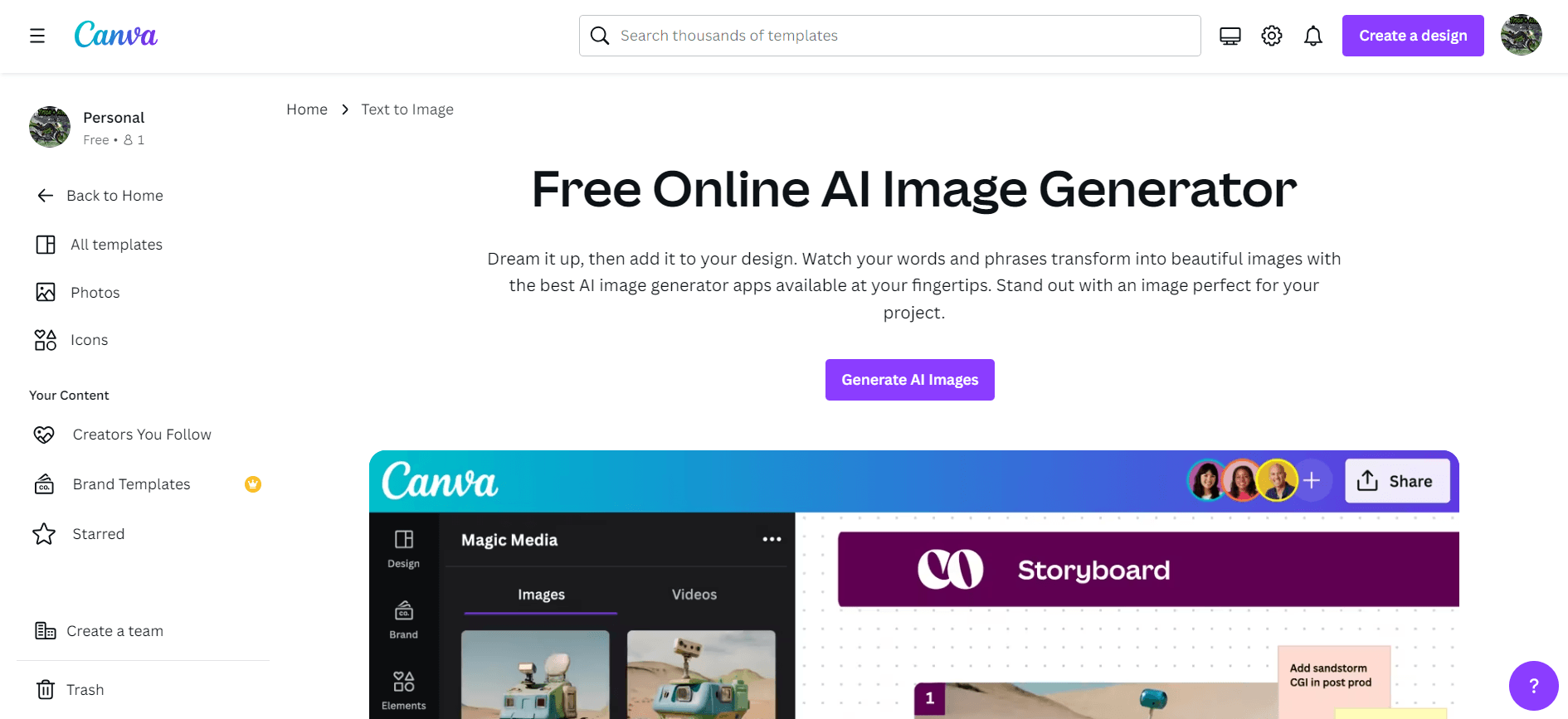
Canva AI sits within Canva’s broader design workspace. It is a useful option when the final output needs to look like a finished visual document rather than a block of generated text. You can use AI to explore an idea and then continue editing with design tools.
For a social post, write the actual message first and decide where it will appear. Use the generated design as a starting point, then check the hierarchy: can a reader see the main point, date and next step on a phone? Replace invented figures or claims with your own approved information.
A polished layout can hide weak content. Inspect text, image details and asset licensing before publishing, and check whether the export settings suit the destination. AI features may have separate usage limits from the design tools included in a free account.
Canva offers free and paid accounts. AI allowances and premium design features vary by subscription and product availability.