Create and refine images or videos with Dreamina’s prompts, references, model choices and interactive editing in one creative workspace.
AI Image GeneratorsFreemium
InVideo helps users create and edit videos with AI-supported workflows.
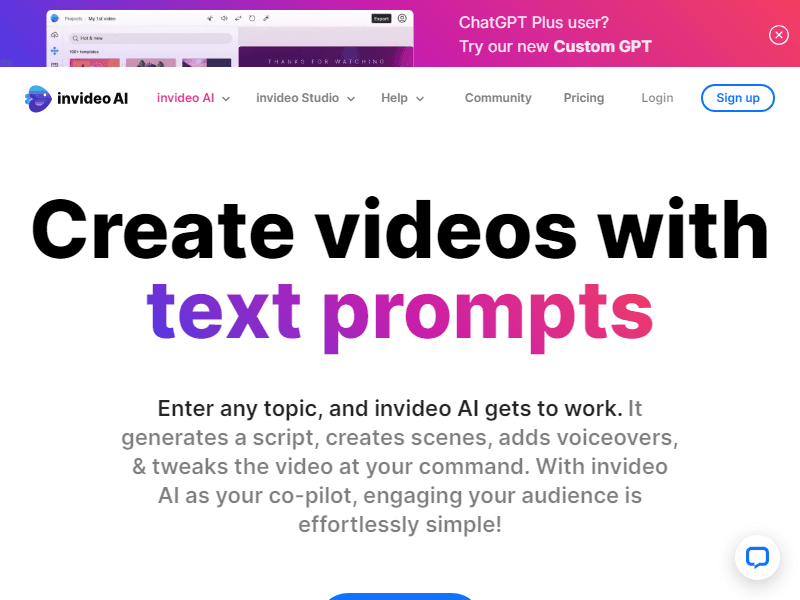
InVideo helps users create and edit videos with AI-supported workflows. It is useful for turning a content brief into a structured video, then refining the script, scenes and presentation before publication.
Creators and marketing teams wanting to develop and edit a complete video workflow.
Prepare a short explainer with a fixed audience and approved facts. Review the storyboard first, then inspect visuals, narration and pacing in the timeline.
Prepare a brief with the audience, message and desired length. Review the script and each scene for relevance before adding captions and exporting the final cut.
A generated video can contain mismatched scenes or unsupported claims. Treat stock, generated footage and narration as separate review responsibilities.
When evaluating InVideo, pay particular attention to story coherence, factual narration and control over individual shots. Keep the starting material and the first result so you can see what changed during revision. A useful trial should include an ordinary task and a difficult case from your own work. Check the finished result in the place where you intend to use it, and record any corrections or extra steps needed. That gives you a more realistic basis for choosing the tool than a polished demonstration alone.
Compare editor access, model allowances, collaboration and the export quality required for publication.
Use InVideo's official plan information to confirm the features and allowances needed for this workflow. Compare the cost at your expected volume, including any separate services, export requirements or team access. Keep a copy of the current terms when the output will be used in ongoing work.