Turn a brief frustrated message into a polite email draft through a simple 150-character input and copyable output.
QuillBot
QuillBot helps revise wording, check grammar and summarize material. It is useful for improving a draft you already understand, especially when a sentence…
AI Paraphrasing ToolsSee website
quillbot.com
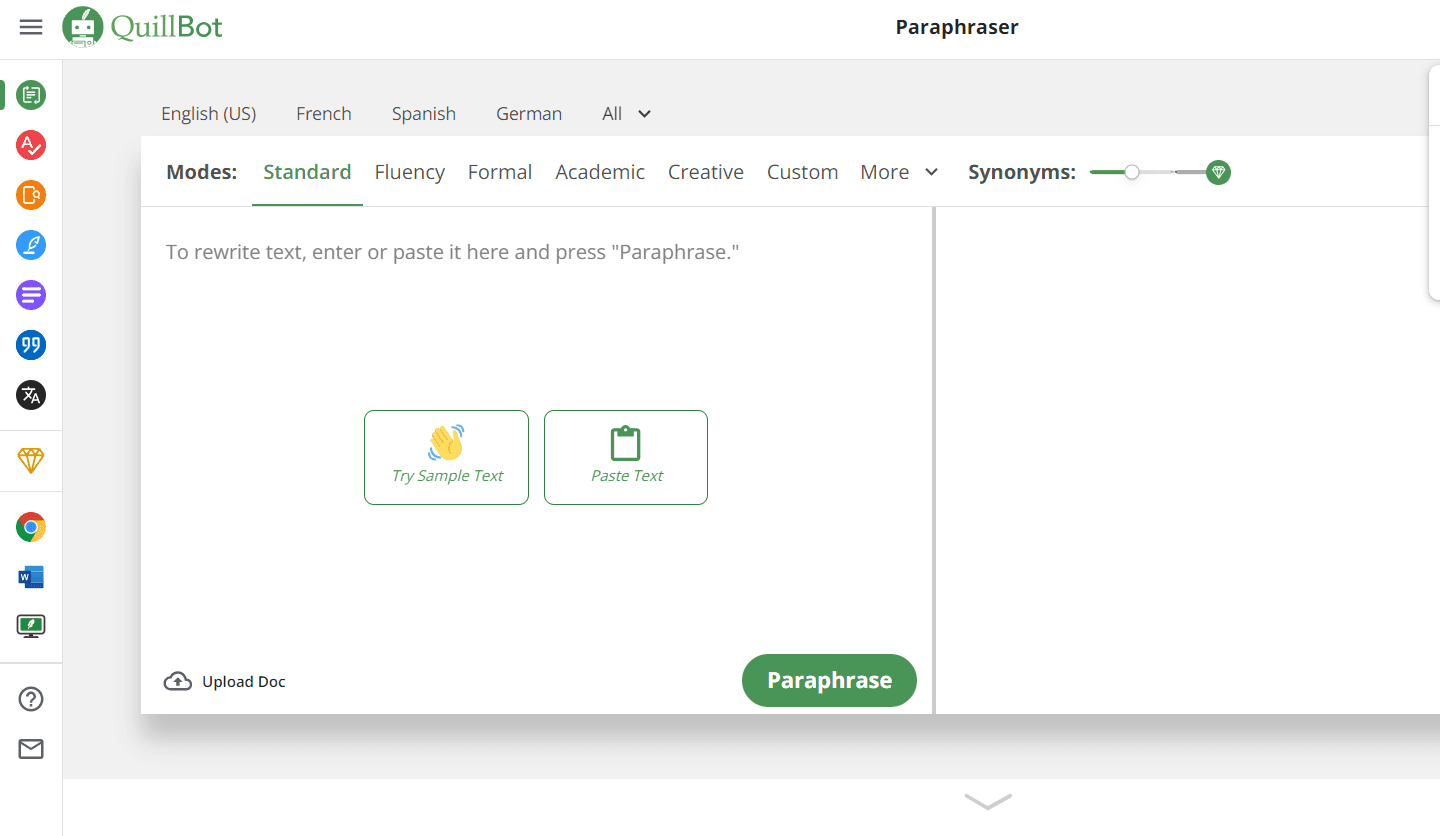
QuillBot is a writing platform with tools for paraphrasing, proofreading, summarizing and preparing citations. Its Paraphraser is designed around revising text you supply: choose a rewriting mode, compare the output and adjust individual wording. That makes it useful for improving a draft while retaining responsibility for its meaning and sources.
Choose how much to rewrite
The Paraphraser guide describes typing or pasting text and uploading supported documents, including DOCX and TXT. Rewritten text appears beside the input, with highlighted changes and options to rephrase again, copy or export the result.
Modes give the rewrite a purpose. Standard balances changes with the original phrasing; Fluency makes fewer changes while addressing readability and grammar. Other modes include Formal, Shorten and custom instructions, with availability depending on access.
The Synonym Slider adjusts the amount of word replacement. More substitution can also change meaning, so it is a control to inspect rather than a quality setting to maximize. Clicking a word or phrase in the output opens alternative wording for a more deliberate edit.
Protect terms and inspect changes
Freeze Words lets you protect selected words or phrases, useful for a product name or technical term. Support differs by mode and plan, and the documentation notes restrictions on symbols, special characters and dashes. Check the output even when a term is protected.
Paraphraser settings include quotation handling and change highlighting. Decide whether quoted material should be paraphrased before processing a draft. Exact quotations need to remain faithful to the source, while numbers, conditions and technical relationships need a separate meaning check.
Summaries, grammar and citations
The Summarizer offers paragraph and bullet-point outputs, with custom instructions available through the relevant access level. It can help condense a source for review, but important qualifications may be lost in a shorter version.
The Grammar Checker addresses grammar, spelling and punctuation. The Citation Generator supports formats including APA, MLA and Chicago. Check author, publication date, title and source details against the original; a correctly formatted entry can still contain incorrect information.
Who it suits and a revision example
QuillBot suits writers, students and professionals revising text they already understand. For a technical update, paste a paragraph containing the product name, one measured figure and a condition under which the feature works. Protect the name, choose Fluency and compare the highlighted output with the original.
Inspect whether the figure, condition and degree of certainty survived. Select a clearer synonym manually if needed, then run a grammar review. If the paragraph draws on a source, retain its citation. Rephrasing does not remove the need to attribute another author’s ideas.
Limitations and access
A rewrite can sound smoother while changing emphasis or removing a qualification. Shortening and summarization deserve particular care when the original includes exceptions. These tools assist editing; they do not establish that a factual claim is correct.
The Free and Premium comparison lists different input allowances, rewriting modes, grammar recommendations and summary options. The Citation Generator has free access without Premium. Compare the controls and document lengths you need using the official website and help documentation.
Similar tools
Rewrite supplied text into plainer wording, compare word and readability statistics, and connect a paid rewriting API to an editing workflow.
AI Paraphrasing ToolsFreemium
Wordtune offers suggestions for rewriting and refining sentences. It works well as an editing aid when the ideas are yours but the wording needs to be…
AI Paraphrasing ToolsSee website