Draft day-by-day travel ideas from a destination, duration and travel style, with public example plans, activity map links and trip suggestions.
Travel AI ToolsSee website
Trip Planner AI now directs new-trip planning to Layla. Use its itinerary ideas as a starting point and confirm travel details before booking.
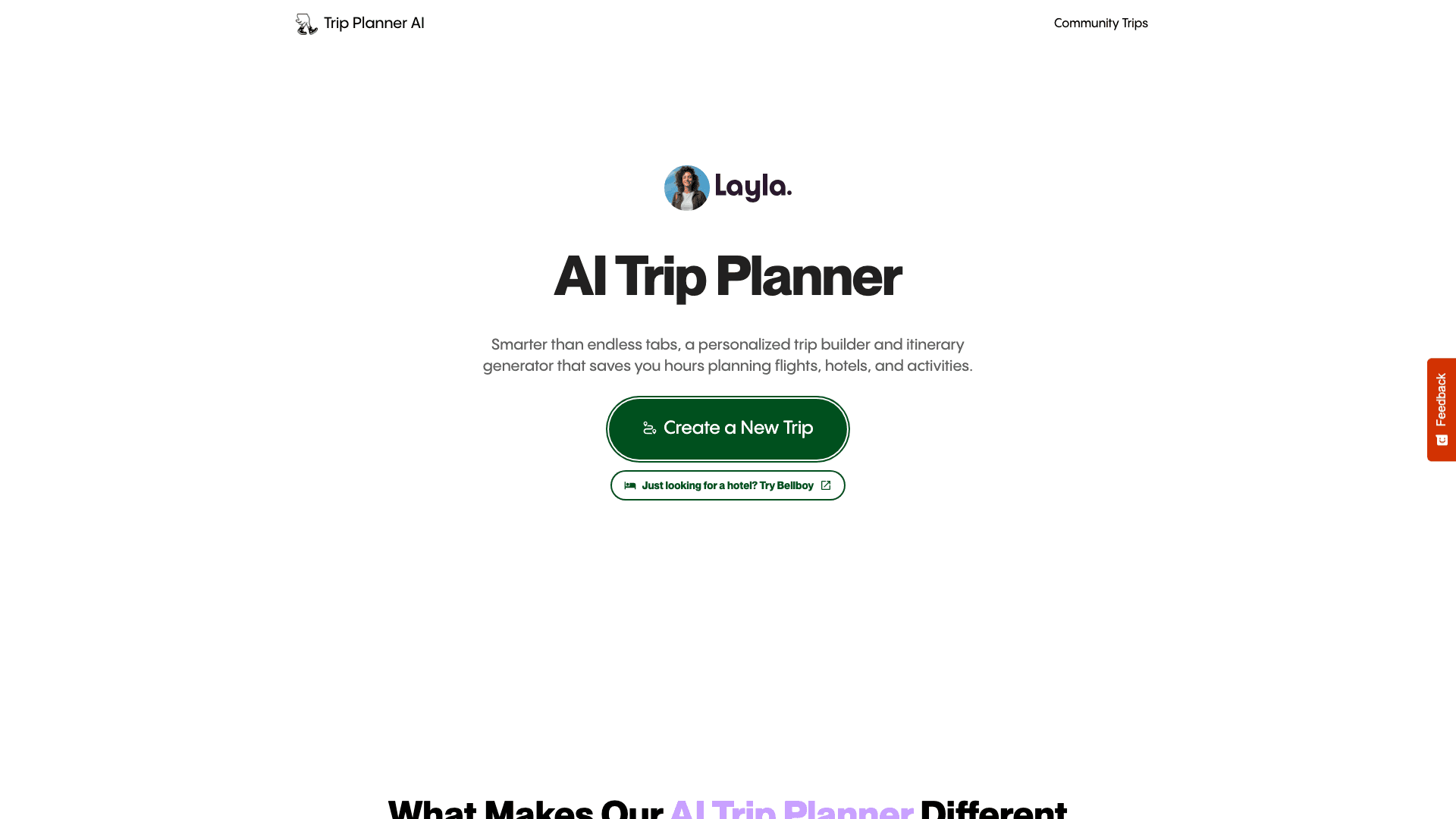
Trip Planner AI presents AI itinerary planning around your destinations, dates, interests and budget. Its current "Create a New Trip" button takes you to Layla, as do its family, couples, road trip and multi-city planning links. It is therefore useful to understand this site as an entry point to Layla's planning service, rather than expect a separate active itinerary editor alongside Layla.
The site describes day-by-day plans combining must-sees, meals and downtime, with timing, routes and budget estimates in one view. It advertises flight, hotel and activity options through services including Skyscanner, Booking.com and GetYourGuide. It also describes swapping activities and adjusting transport or accommodation, with the itinerary recalculated around a change. Those examples explicitly refer to using Layla, so follow the destination service's current account and booking terms.
Specialized planning examples cover the trips people actually take: family holidays, couples getaways, road trips and multi-city hops. For a family, that means leaving time between outings; for several cities, it means checking the sequence of flights, trains, transfers and overnight stays. These are planning inputs and advertised capabilities, not a guarantee that any proposed connection will be available.
For a week divided between Rome and Florence, follow the new-trip link and provide your actual arrival and departure airports, travel dates and preferred pace. Ask for two accommodation bases and time for a train transfer rather than a new hotel every night. Review the proposed travel day before adding attractions. If you replace a museum with a food tour, check both the new activity's meeting point and the time left for your next reservation. After every major change, review the full day so the new travel times fit the remaining reservations.
Layla's current FAQ says its core planning and human-advisor assistance have no subscription or extra planning fee. The travel you book still costs money. Check current account and booking terms directly; external booking links may have different fees and conditions. As with any generated itinerary, treat opening hours and "hidden gem" claims as drafts to verify. Confirm reservation details with the final provider, and keep the booking confirmation alongside your plan. The Trip Planner AI landing page and its community inspiration do not establish a separate checkout, independent pricing plan or guaranteed transfer of an older account's trip data.