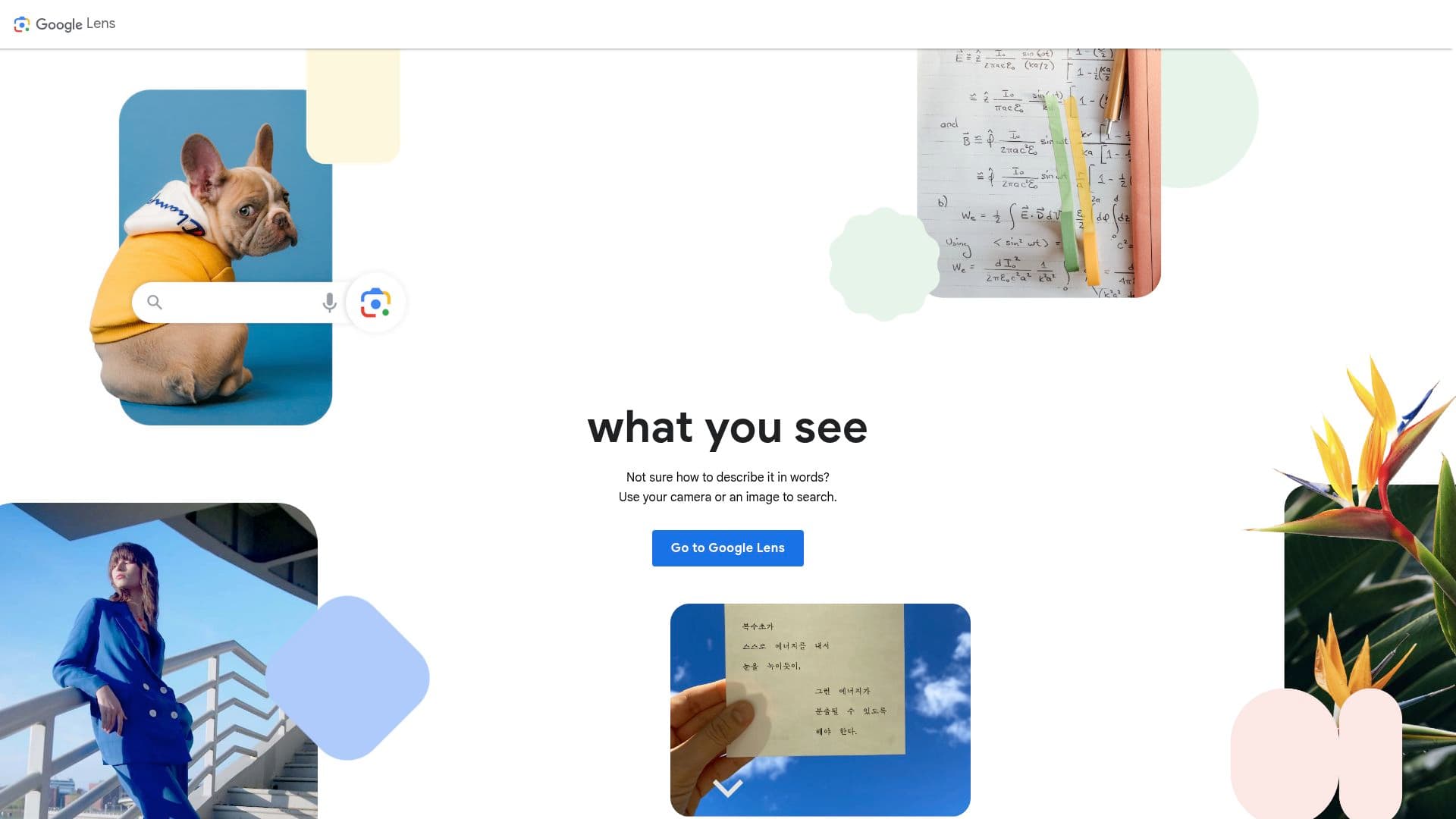
Google Lens is Google's visual search tool: instead of typing a query, you point your camera at something — or select an existing image — and Google tells you what it is, what it says, or where to buy it. It ships free inside the Google app on iOS, the camera and Google app on Android, and Chrome on desktop, where right-clicking any image offers a Lens search. On recent Android phones it also powers Circle to Search, letting you circle anything on screen to look it up without switching apps.
The everyday uses are the point. Aim it at a menu in another language and the translation overlays the original text in place. Snap a plant and get the species with care notes. Photograph a handwritten note and copy the text straight to your laptop. Scan a math problem and get a worked, step-by-step solution. It's the kind of tool you forget is remarkable because it's free and already on your phone.
What Google Lens actually does
Under the hood, Lens combines OCR, image recognition, and Google's search index. Text handling is its strongest suit: it reads printed and much handwritten text, lets you select and copy it (including sending a selection from your phone to a signed-in computer), and translates across 100+ languages in real time. Recognition handles the physical world — plants, animals, landmarks, artworks, and products — while shopping mode finds visually similar items with prices across retailers.
Since 2025, Lens has been folded deeper into Google's AI search stack: results increasingly route through AI Mode and Gemini-powered answers, and Search Live can run a continuous camera session where you ask questions about what you're seeing. The core Lens experience remains the same quick point-and-search, though.
Key features
- Copy, search, and translate text from the camera or any image, in 100+ languages
- Plant, animal, landmark, and artwork identification
- Product search with visually similar matches and price comparisons
- Step-by-step homework help for math, physics, and chemistry problems
- Circle to Search integration on Android and right-click Lens search in Chrome
- Send copied text from a photo directly to your computer
Pricing
Free, with no premium tier. You pay in the usual Google currency: your image searches inform Google's ecosystem, and shopping results lean toward retailers in Google's index.
Who it's for
Practically anyone with a phone. Travelers get the most obvious wins (menus, signs, ticket machines), students lean on the homework solver, gardeners and hikers use identification constantly, and shoppers use it to find the name — and a cheaper source — of things they spot in the wild. For quick one-off OCR jobs, it's faster than any dedicated scanning app.
Our take
We consider Lens one of the best free utilities Google makes. The translate-in-place feature alone has rescued us at enough restaurants to earn a permanent home-screen spot, and text extraction is quick and accurate enough that we rarely open a dedicated OCR app for everyday captures. The Chrome right-click integration is an underrated way to grab text from images on the web.
Its limits are worth knowing. Identification confidence outruns its accuracy on lookalike species — treat plant and mushroom IDs as suggestions, never as foraging advice. Full functionality needs an internet connection, results carry a commercial tilt toward shoppable answers, and privacy-conscious users should note that images are processed on Google's servers. And as Lens gets woven into AI Mode, answers sometimes arrive as chatty AI summaries when you just wanted the plain match. None of that changes the bottom line: it's free, it's already installed, and it works.