OCR tools read text out of images and documents — scans, phone photos, PDFs — and turn it into text a machine can search, edit, and process. The current generation goes well past classic character recognition: modern engines use machine learning to cope with skewed photos, mixed layouts, tables, and to a lesser degree handwriting, and the better ones return structure — which text is a heading, which cells belong to which column — rather than a raw text dump.
You'd reach for one the moment retyping stops scaling. One receipt, you type. Three hundred receipts a month, you want an OCR pipeline that extracts vendor, date, and total straight into your accounting system. The same logic applies to digitizing paper archives, making scanned contracts searchable, or converting a PDF that someone flattened into an image back into usable text.
What to look for when choosing
- Accuracy on your documents, not demo documents. Every vendor quotes high accuracy on clean scans. What matters is how the tool handles your actual input: faded receipts, stamped forms, two-column layouts.
- Layout and table preservation. Getting the characters right but scrambling the table columns can be worse than useless for invoices and forms.
- Handwriting and language coverage. Printed English is close to a solved problem. Handwriting, mixed scripts, and less common languages are where tools separate.
- Batch processing and APIs. For automation you need an API, folder-watch or webhook workflows, and pricing that stays predictable per page.
- Output formats. Searchable PDF, plain text, Word, or structured JSON — check that the tool exports what your downstream system actually consumes.
Common use cases
Finance teams process invoices and receipts. Healthcare digitizes patient records. Legal teams convert case files into searchable archives. Schools digitize learning materials. And plenty of individual use is simpler than any of that: copying text out of a screenshot, or turning a scanned book chapter into notes you can quote.
Free vs paid options
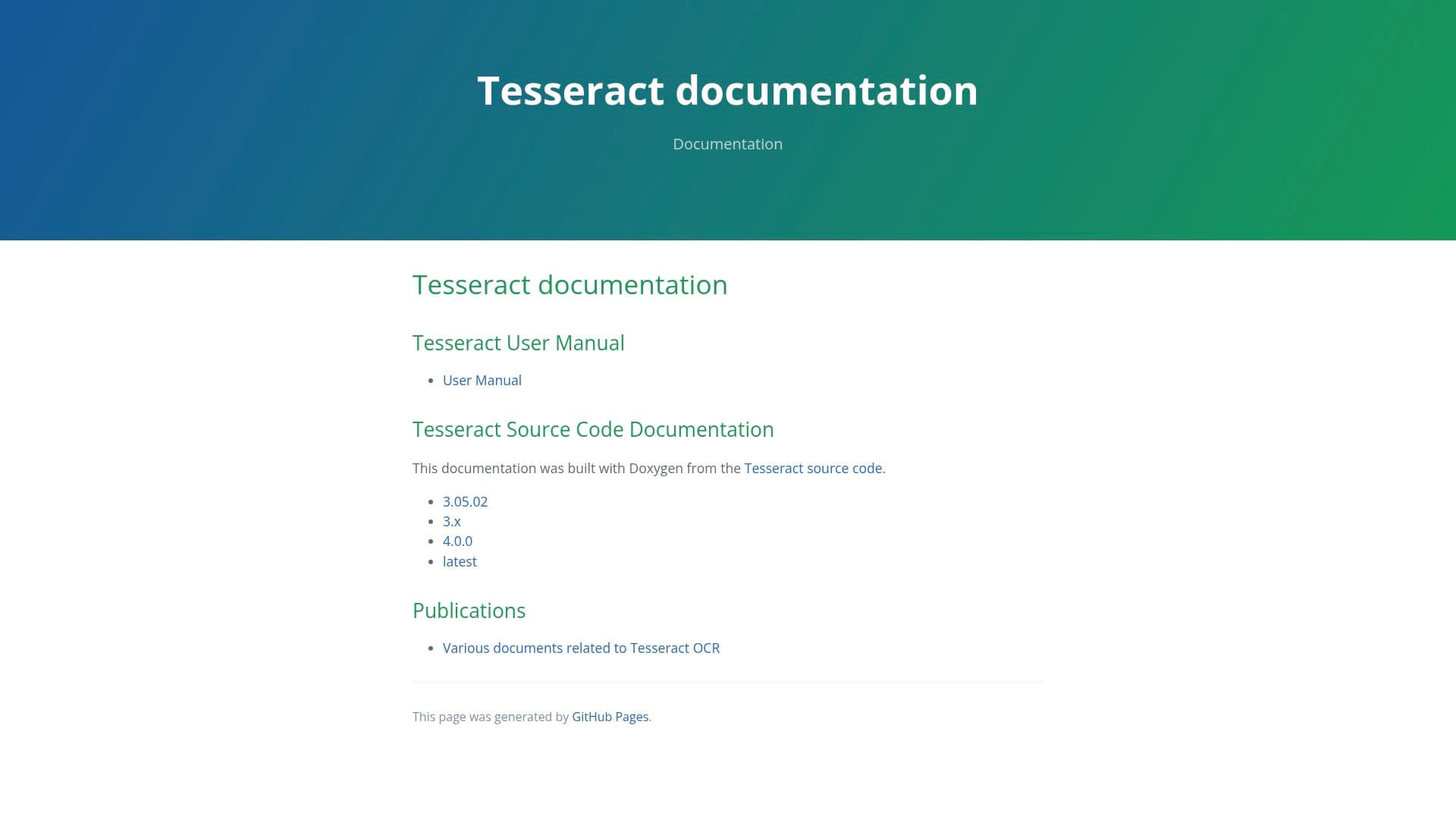
Tesseract, the open-source engine in this list, is genuinely free and sits inside hundreds of other products. It's a solid choice if you have clean scans and someone comfortable setting it up — but it needs preprocessing help on messy input and offers no support beyond community forums. Commercial services charge per page or per month and earn it mostly on the hard cases: handwriting, tables, form fields, and turnkey integrations with the systems you already run. A sane path is to try the free options on a sample of your real documents first, then pay only for the gap you actually observe.
Our take
OCR is one of the more honest AI categories — the task is well defined, and you can measure any tool against it in an afternoon. Run fifty representative pages through a candidate, count the errors that would have cost you something, and you'll know more than any review can tell you.
Two caveats from experience. Vendor accuracy claims come from clean test sets, and a small-sounding difference in character accuracy is the difference between spot-checking output and re-reading everything. And handwriting plus complex tables remain the weak spots across the board — anywhere a wrong digit costs money, keep a human review step in the loop.