ProWritingAid checks grammar and style with more than 25 writing reports, rewrites sentences with Rephrase and Sparks, and adds chapter and manuscript critiques for people working on fiction.
AI Grammar CheckersFreemium
HyperWrite is an AI writing assistant from OthersideAI with TypeAhead autocomplete, a document editor with an AI chat and cited research, a Chrome extension for other websites, and a library of rewriting and drafting tools.
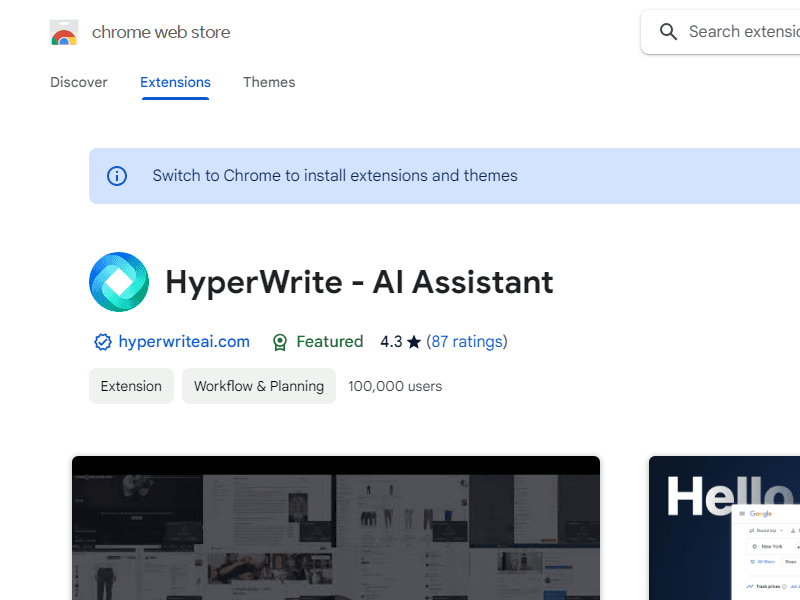
HyperWrite is an AI writing assistant made by OthersideAI. It works in two main places: a web document editor with an AI chat next to your draft, and a Chrome extension that brings suggestions into other websites. Around those sit a few hundred small, single-purpose tools for jobs like rewriting a paragraph, answering an email or writing a speech.
TypeAhead is HyperWrite's autocomplete. As you type, it offers in-line suggestions for the next words, and you press Tab to accept one. The extension page says it works on any website and adapts to your tone over time. The extension also carries the AI Writing Assistant, a chat you can use to brainstorm, draft or edit on whatever page you're working in. This is the part that a standalone chatbot doesn't really replace, because the help appears inside the text box rather than in another tab.
The document editor pairs a writing surface with an AI chat that can see the current draft. You can ask it for feedback, have it rewrite a section and apply the change, or use it to brainstorm, and the company says the editor supports real-time collaboration. For research-based writing, HyperWrite searches scholarly articles and papers to find sources, and the Premium plan adds citations and real-time information. Open and read any citation before it goes into a paper. A reference can be real and still not support the sentence it's attached to.
The AI tools library holds templates such as Rewrite Content, which restates text while keeping its meaning, Flexible AutoWrite for open-ended drafting, an Email Responder, an AI Speech Writer and Scholar AI for research. There's also a paraphraser for uploaded Word documents. These give you a first pass without writing a prompt from scratch. They vary in usefulness, and several overlap with what the editor's chat can already do.
A freelancer gets a long email from a client asking about a delayed project. With the extension installed, they open the reply in Gmail and ask the AI Writing Assistant for a draft, giving it the new delivery date and the reason for the delay. They edit the draft so it doesn't promise anything extra, then let TypeAhead finish a couple of sentences while they add a personal note. Later, writing a project summary in the document editor, they ask the chat to tighten the second paragraph and check that the figures still match their own notes.
The pricing page lists Premium at $19.99 a month, or $16 a month billed yearly, with 250 AI messages a month, citations, three custom personas and unlimited TypeAheads. Ultra is $44.99 a month, or $29 a month billed yearly, with unlimited AI messages, ten personas and first access to experimental features. The help page says a free account includes basic features and limited access.
The help page describes the underlying technology only as models "like GPT-4 and ChatGPT" and doesn't say which current models power each feature. Parts of the marketing site still show placeholder text, so the documentation can be thin when you want specifics. Heavy users should also watch the 250-message cap on Premium. People who mainly need grammar correction will do better with a dedicated checker, and anyone who already pays for a general assistant like ChatGPT may find it covers most of the same ground.
There's a free account with limited monthly credits on the basic AI, according to the pricing FAQ. Premium and Ultra are paid.
The extension is listed in the Chrome Web Store, and the site doesn't mention versions for other browsers.
Yes. It searches scholarly articles and papers, and Premium adds citations to generated text. Check each source yourself before relying on it.