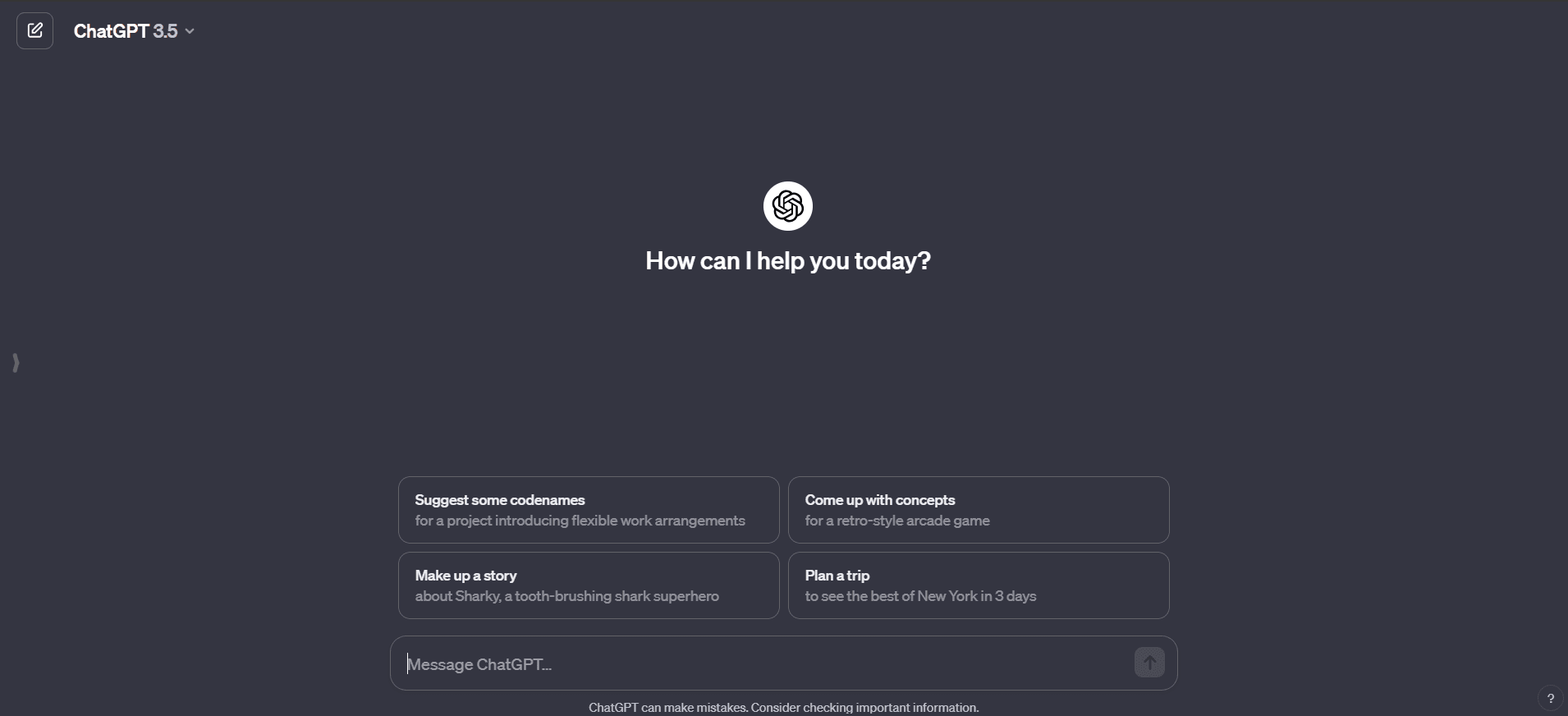
ChatGPT is OpenAI's conversational AI assistant, and since late 2022 it has been the way most people first meet a large language model. You type or dictate a request and it responds in plain language: draft an email, explain a contract clause, debug a Python function, plan a week of meals, or summarize a 40-page PDF. It runs in the browser at chatgpt.com, as desktop apps for Windows and macOS, and as mobile apps on iOS and Android.
The product has moved well past plain text chat. Current versions accept images, files, and voice, search the web for fresh information, generate images, and run code to crunch spreadsheets. Under the hood, OpenAI routes your request across its GPT-5 model family depending on how hard the task is, so you rarely have to think about which model you're on. The day-to-day experience stays simple: one chat box, most capabilities behind it.
What ChatGPT actually does
Text is still the core. ChatGPT drafts, rewrites, translates, and edits in dozens of languages, and it's a patient tutor: give it a calculus problem and it walks through each step instead of just handing over the answer. Developers use it to write, explain, and review code in most mainstream languages.
Vision is the sleeper feature. Upload a photo, screenshot, or scanned page and ChatGPT reads it — pull the text from a receipt, describe what's in an image, interpret a chart, or answer questions about a diagram. In practice it works as a capable informal OCR tool: paste a picture of a table and ask for the totals as CSV. It also keeps context within a conversation, and optionally across conversations with its memory feature, so follow-up questions feel natural.
Key features
- Conversational answers with built-in web search for current information
- Image understanding: OCR, chart reading, photo description, and visual Q&A
- Image generation from text prompts
- File uploads — ask questions of PDFs, spreadsheets, and slide decks
- Voice mode for spoken back-and-forth conversation
- Custom GPTs, projects, and memory for repeat workflows
- Deep Research and agent features on paid plans for multi-step tasks
Pricing
The free tier is genuinely useful: chat, image input, file uploads, and limited image generation, though with tighter message caps and slower access at busy times. ChatGPT Plus costs $20 a month and adds the strongest models, higher limits, and extras like Deep Research and video generation. A Pro tier at $200 a month targets heavy users who want near-unlimited access, and per-seat Business and Enterprise plans add admin controls and stronger data protections. OpenAI adjusts tiers, limits, and model names often — check the current pricing page before committing.
Who it's for
Almost everyone, honestly. Students use it for step-by-step explanations, writers for drafting and editing, developers for code, and office workers for the daily grind of summaries, emails, and spreadsheet questions. If you only need one AI subscription, this is the default candidate — and if you need a quick image-to-text or translation job done, the free tier alone will usually do it.
Our take
We reach for ChatGPT daily, and for good reason: it's the most polished all-round assistant on the market, and the free tier replaces a surprising number of single-purpose tools — OCR apps, grammar checkers, basic translators. The mobile app's camera-plus-voice combination is quietly excellent for things like translating a menu or digitizing a whiteboard.
It still gets things wrong with total confidence. Niche facts, citations, and precise numbers need checking, and when you use it for OCR on long or messy documents it can occasionally skip lines without telling you — always verify extracted totals. The pricing ladder has also grown confusing, with tiers and limits shifting every few months. None of that stops it being the obvious first tool to try; just don't treat its output as final copy.