Remove backgrounds and unwanted objects, enhance photos, and connect Cutout.Pro image-processing tools to batch or API workflows.
AI Background RemoversFreemium
Let's Enhance provides AI image enhancement and upscaling. It is useful when an image needs a larger usable size or a clearer presentation, while the…
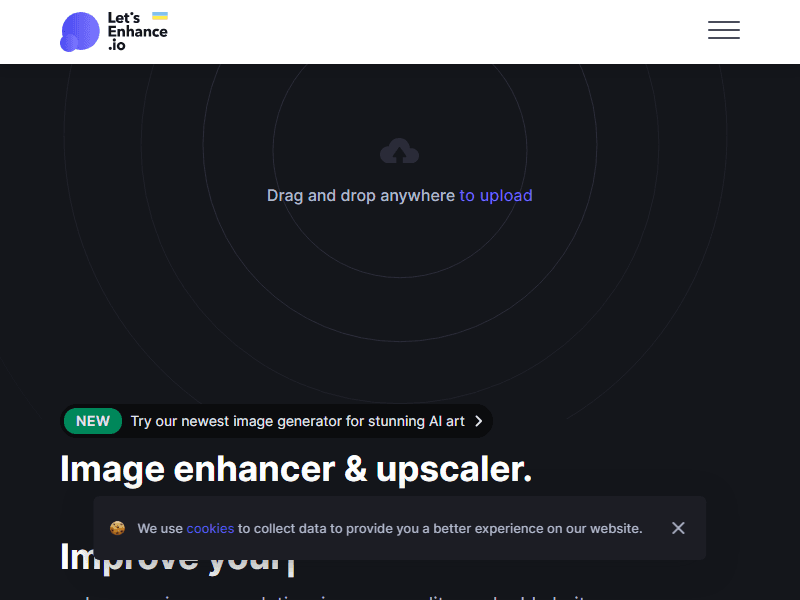
Let's Enhance provides AI image enhancement and upscaling. It is useful when an image needs a larger usable size or a clearer presentation, while the subject should remain recognizable and accurate.
Creators who have usable source images but need better delivery dimensions.
Upscale one representative product image and compare fine text, seams and texture with the source before processing the collection.
Compare the enhanced image with the original at the intended size. Look for changed textures, false detail or altered product markings before publishing it.
Upscaling cannot recover every missing detail and may invent a convincing replacement. It is unsuitable when a changed detail would misrepresent the subject.
When evaluating Let's Enhance, pay particular attention to faithful detail, print dimensions and artifacts introduced by enhancement. Keep the starting material and the first result so you can see what changed during revision. A useful trial should include an ordinary task and a difficult case from your own work. Check the finished result in the place where you intend to use it, and record any corrections or extra steps needed. That gives you a more realistic basis for choosing the tool than a polished demonstration alone.
Compare image credits, supported enlargement, output formats and batch requirements.
Use Let's Enhance's official plan information to confirm the features and allowances needed for this workflow. Compare the cost at your expected volume, including any separate services, export requirements or team access. Keep a copy of the current terms when the output will be used in ongoing work.