Dub recorded audio and video, refine translated dialogue and voices, or build localized speech workflows with CAMB.AI Studio and APIs.
AI Video Translation ToolsFreemium
Murf provides AI voice tools for converting scripts into spoken audio.
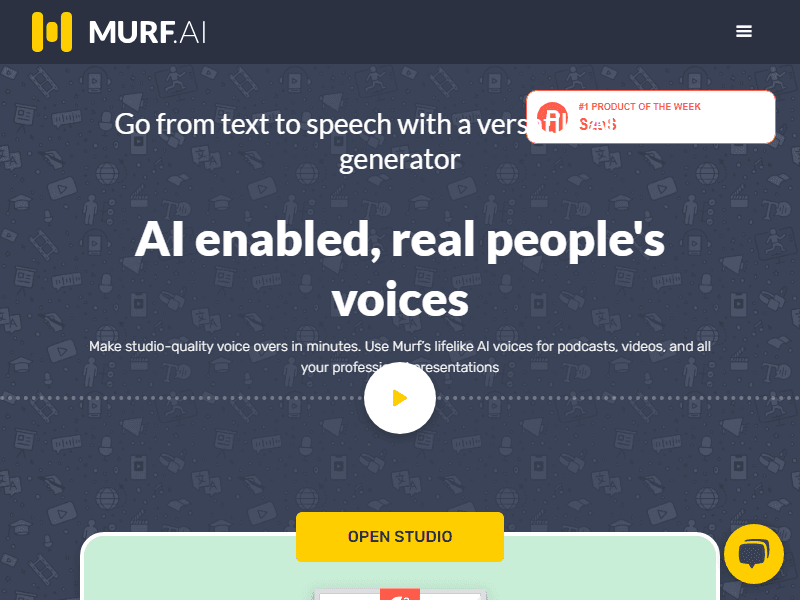
Murf provides AI voice tools for converting scripts into spoken audio. It is useful for explanatory content and narration where pronunciation, pacing and editing need more attention than simply reading text aloud.
Creators and teams producing narrated explainers or integrating synthetic speech.
Generate a short instructional passage with names and numbers. Adjust pronunciation and pauses before producing the complete script.
Write for listening rather than reading. Generate a short section and check names, pauses and emphasis before producing the whole script.
Write numbers and abbreviations in the form you want listeners to hear. Generate a short test and check that the spoken version preserves the intended unit or meaning. Keep a pronunciation note for recurring terms so separate segments do not sound inconsistent when assembled into one production.
Natural-sounding speech can still mispronounce critical information. Review translations and distinguish studio creation from API or agent products.
When evaluating Murf, pay particular attention to pronunciation, pacing and accuracy of spoken numerical information. Keep the starting material and the first result so you can see what changed during revision. A useful trial should include an ordinary task and a difficult case from your own work. Check the finished result in the place where you intend to use it, and record any corrections or extra steps needed. That gives you a more realistic basis for choosing the tool than a polished demonstration alone.
Compare voice generation, exports, localization and API usage under the appropriate offer.
Use Murf's official plan information to confirm the features and allowances needed for this workflow. Compare the cost at your expected volume, including any separate services, export requirements or team access. Keep a copy of the current terms when the output will be used in ongoing work.