OpenArt.ai
OpenArt is an AI image creation platform giving access to 100+ models, including Flux and Stable Diffusion XL, from one interface. It covers text-to-image, sketch-to-image, inpainting, character consistency, and video generation on a credit-based plan.
text to sketchFreemium
openart.ai
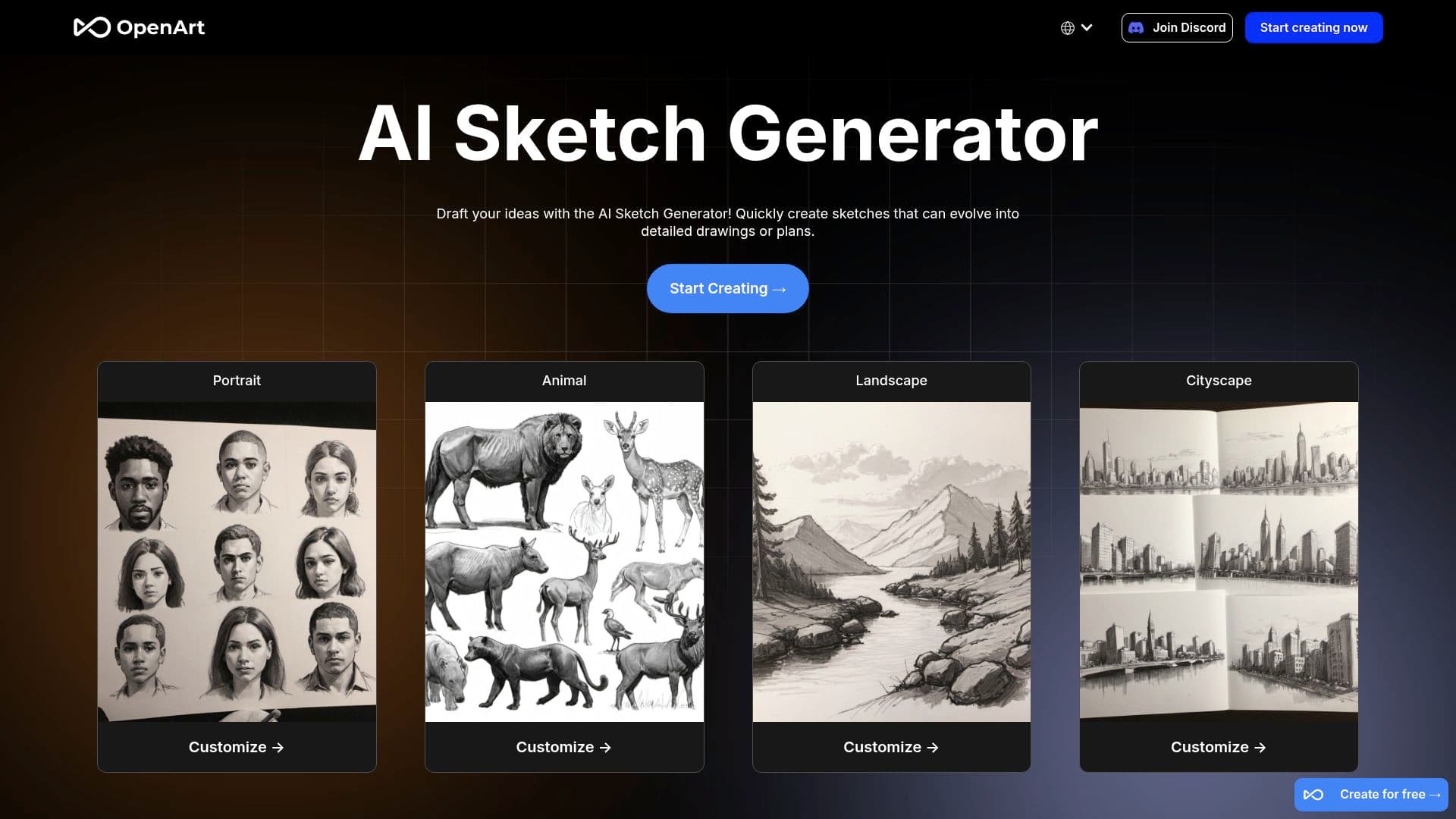
OpenArt is an AI image creation platform that puts more than 100 generation models — Flux, Stable Diffusion XL, Ideogram, and others, plus video models — behind one interface. It started life as a friendly front-end for Stable Diffusion and a sketch-to-image tool, and has since grown into a full creative workspace: you can generate images from text, turn rough sketches into finished artwork, edit with inpainting, train consistent characters, and upscale results, all in the browser with nothing to install.
The sketch-to-image tool that this listing originally covered is still there and still good: draw or upload a rough sketch, describe what you want, and OpenArt renders a polished version in your chosen style — useful for concepting a logo, mocking up an illustration, or just seeing your doodle taken seriously. But it's now one feature among many rather than the product itself.
What OpenArt actually does
The core loop is prompt-to-image with unusual freedom of choice: where most rivals lock you to their house model, OpenArt lets you run the same prompt through different models and styles to compare results. Around that sit practical editing tools — inpainting to fix or replace part of an image, background removal, upscaling — and a character system that keeps the same person or mascot consistent across many generations, which is genuinely hard to do with raw models and matters a lot for comics, brand mascots, and storyboards.
Typical uses: logo and design concepts for small businesses, social media visuals, illustrations for teaching materials or self-published stories, game and character art, and plain creative play. Output can be exported for use in other design tools, so it slots into existing workflows rather than replacing them.
Key features
- 100+ image models, including Flux, SDXL, and Ideogram, plus video generation
- Sketch-to-image rendering with style and detail controls
- Inpainting, background removal, and upscaling for post-generation editing
- Consistent character creation and training on your own reference images
- Style presets and community prompts to shortcut the learning curve
- API access on higher tiers for developers
Pricing
OpenArt runs on credits. A free plan provides a small trial allowance; paid plans start at roughly $7 a month billed annually and step up through tiers with larger credit pools, faster generation, and extras like more parallel jobs and API access. Every generation consumes credits, and heavier models and video cost more per run.
Who it's for
Hobbyists, small-business owners, and working designers who want breadth without wrangling model checkpoints themselves. Beginners get a gentler on-ramp than ComfyUI or a raw Stable Diffusion install, while experienced users get model variety that single-model tools like Midjourney don't offer.
Our take
We think OpenArt's multi-model approach is its real advantage. Being able to A/B the same prompt across Flux and SDXL in one place teaches you quickly which model suits your style, and the character consistency tools are among the more usable we've tried — a feature that matters far more in real projects than another point of benchmark quality. The sketch-to-image tool remains a lovely low-stakes way in for people who can draw a little but not well.
The credit system is our main complaint: experimentation is the whole point of a tool like this, yet every failed generation burns credits, so a heavy tinkering session can chew through a monthly allowance surprisingly fast and turn a fixed subscription into a variable cost. The sheer number of models and options can also overwhelm newcomers — the interface has grown busier every year. If you want simple and predictable, a single-model tool may suit you better; if you want range, OpenArt is one of the strongest picks in its class.