Draft day-by-day travel ideas from a destination, duration and travel style, with public example plans, activity map links and trip suggestions.
Travel AI ToolsSee website
GuideGeek is a conversational travel assistant available through messaging services. Ask for ideas and route information, then verify important details before booking.
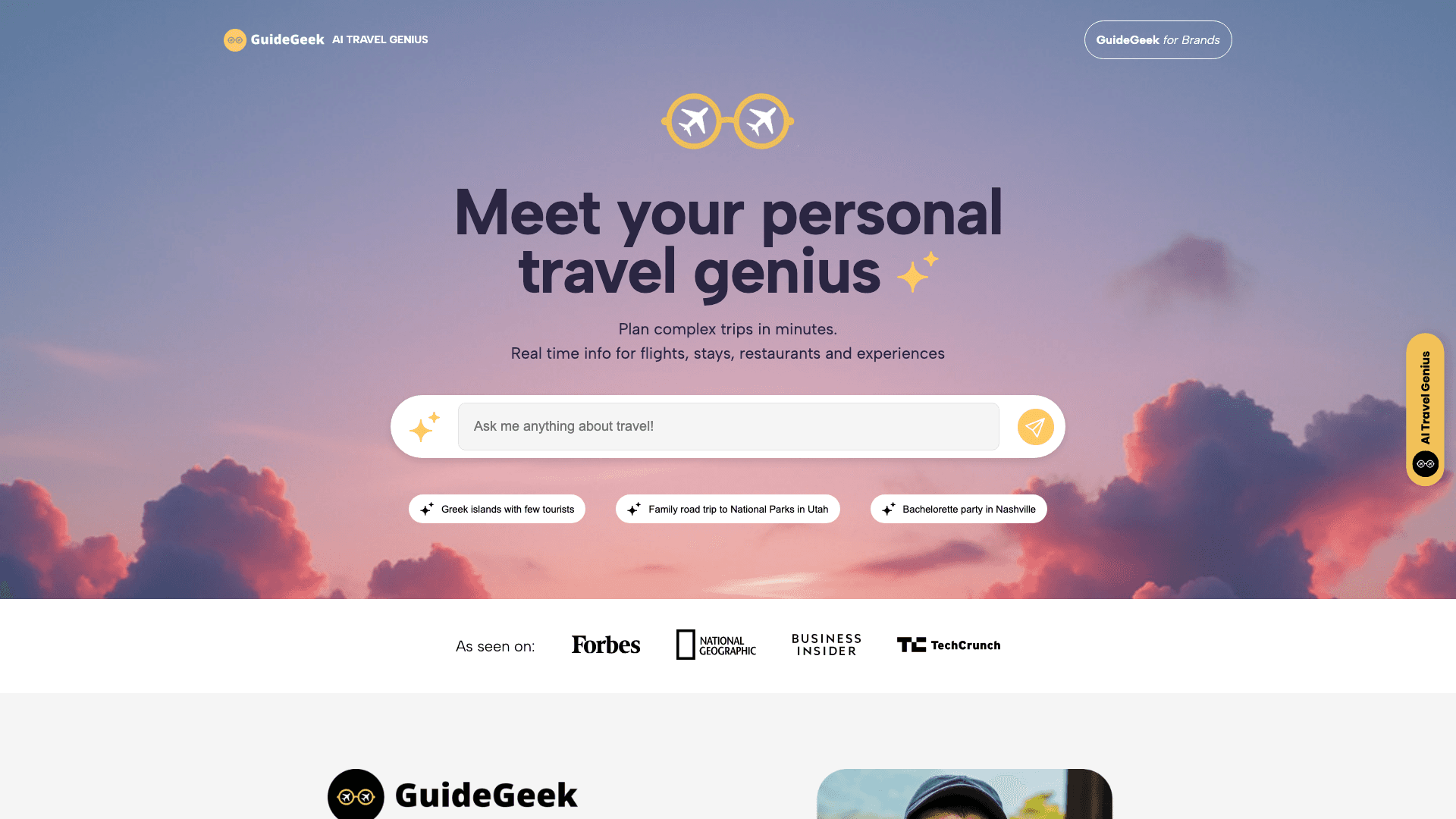
GuideGeek made the smartest distribution decision in this category: it didn't build a mobile app. The assistant lives inside WhatsApp, Instagram and Facebook Messenger, so "getting started" means sending it a message the way you'd text a well-traveled friend. Mid-trip, standing in a street with dying battery and one bar of signal, the app you already have open beats the app you'd have to download every single time.
Behind the chat sits real machinery. It's built by Matador Network, the travel media company, on OpenAI's GPT-4, and it pulls real-time data for flights, accommodation, restaurants and activities rather than reciting training data. It answers in dozens of languages, handles the full arc from inspiration to price comparisons to booking help, and copes with everything from family vacations to bachelorette logistics. And it's free; Matador runs it as part of its media business.
Speed to answer. Mid-trip questions, "is there a decent lunch place near the Alhambra," "how do I get from Da Nang to Hoi An," are where a messaging assistant shreds itinerary software. It's also the obvious pick for the relative who will never install a planning app but has WhatsApp open eleven hours a day.
Long itineraries live awkwardly in a chat thread; there's no map view, no drag-to-reorder, no PDF. For a two-week multi-city plan, build in Mindtrip or Wanderlog and keep GuideGeek for the questions along the way. As with all of these, spot-check specifics; the makers say so themselves.
The best zero-friction travel AI. Nothing to install, nothing to pay, genuinely useful mid-trip. Every traveler should have it in their contacts, whatever else they plan with.
Give the assistant your approximate area, timing, interests, and practical constraints rather than asking only for the best thing to do. For example, specify that you need a short indoor activity near an existing stop before dinner. Check the suggested venue's own current information for hours, availability, and access before changing plans. Save any essential route or reservation outside the chat so it remains easy to find. Messaging is convenient for quick questions, but a long itinerary can become difficult to review in a conversation thread. Use the assistant to narrow options, then keep the confirmed plan in a suitable organizer.