Adobe Firefly removes photo backgrounds for product images, portraits and social posts. Download a transparent PNG, add a new background, or keep editing in Firefly and Adobe Express.
Fotor
Fotor provides image editing, design and AI-assisted creative tools. It is useful for everyday visual work where a photo needs adjustments before being…
Photo Editing AI ToolsSee website
fotor.com
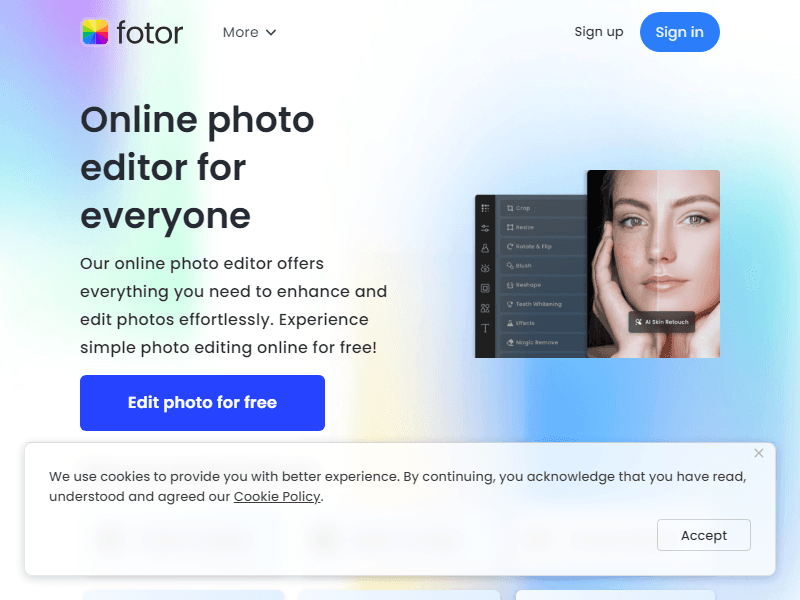
Fotor provides image editing, design and AI-assisted creative tools. It is useful for everyday visual work where a photo needs adjustments before being placed in a social post, graphic or other design.
What Fotor can do
- Photo enhancement and retouching help correct an existing image
- Background removal, object replacement and expansion support selected edits
- Templates, effects and collages provide a broader presentation workflow.
Who it suits
Individuals and small teams preparing attractive photographs and simple designs.
A practical example
Improve a portrait or product photograph conservatively, then compare skin texture, color and shape with the unedited source.
Decide whether the task is correction or a new creative direction. Keep the original available and check the finished image at the size people will see it.
Limitations and practical advice
Enhancement can make an image look artificial or remove real detail. Choose the amount of correction around the purpose of the photograph.
When evaluating Fotor, pay particular attention to natural appearance, color accuracy and usable output resolution. Keep the starting material and the first result so you can see what changed during revision. A useful trial should include an ordinary task and a difficult case from your own work. Check the finished result in the place where you intend to use it, and record any corrections or extra steps needed. That gives you a more realistic basis for choosing the tool than a polished demonstration alone.
Pricing and access
Check premium tools, generation credits, export quality and watermark conditions.
Use Fotor's official plan information to confirm the features and allowances needed for this workflow. Compare the cost at your expected volume, including any separate services, export requirements or team access. Keep a copy of the current terms when the output will be used in ongoing work.
Official product information
Similar tools
Create and refine images or videos with Dreamina’s prompts, references, model choices and interactive editing in one creative workspace.
AI Image GeneratorsFreemium
Generate and refine campaign images with Stability AI’s Brand Studio, including masked sketch edits, outpainting and project assets.