lens.google
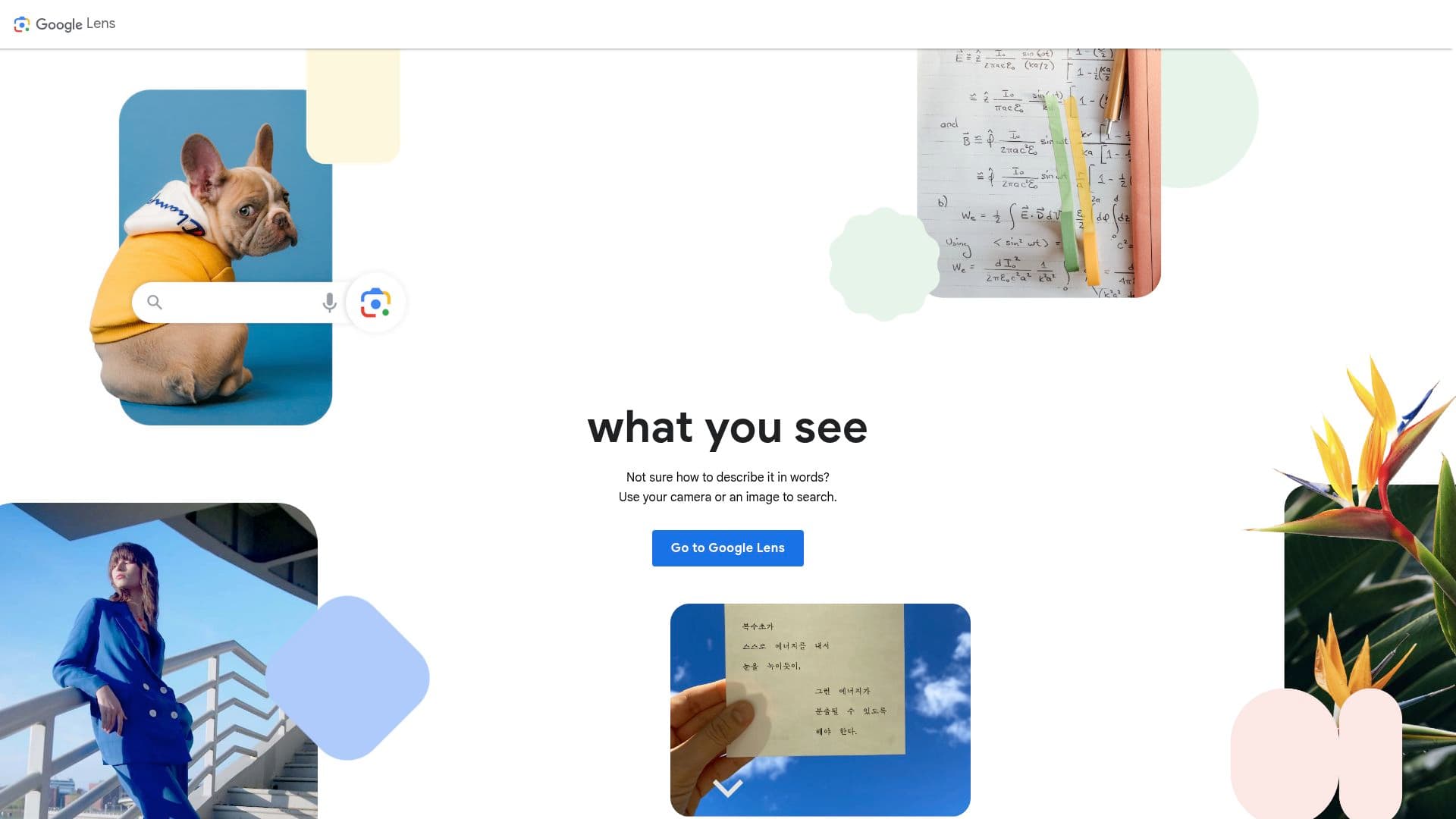
Google Lens is Google's free visual search tool. Point your camera (or select any image) to copy and translate text, identify plants, animals, landmarks, and products, get homework help, and find where to buy what you're looking at.
Hugging Face's image-to-text task is a catalog of open-source models that generate text from images: captioning models like BLIP and GIT, plus OCR models like TrOCR. Developers can download the weights or run them through hosted inference.
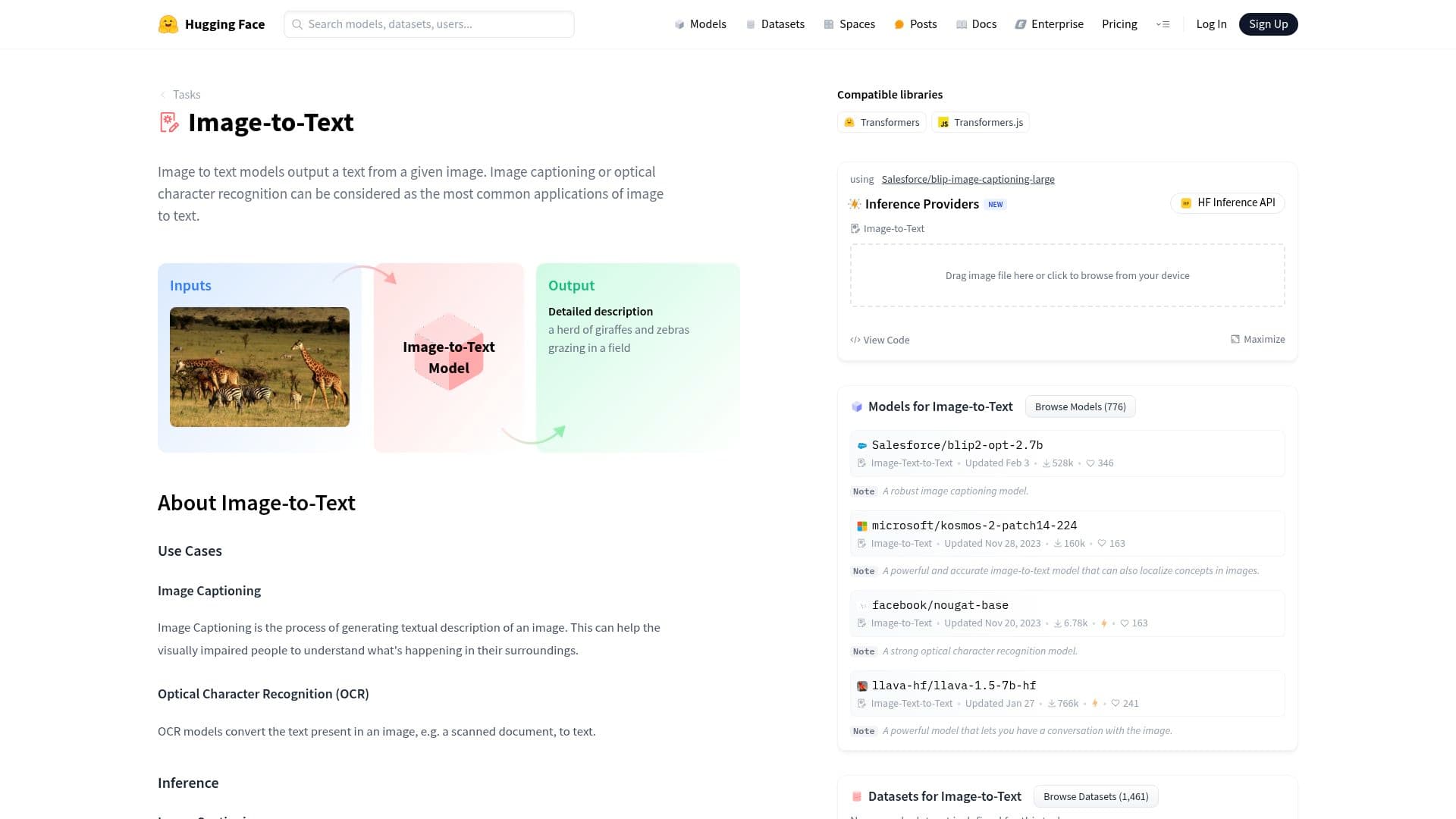
Hugging Face's image-to-text offering isn't a single product — it's a task category on the Hugging Face Hub collecting hundreds of open-source models that take an image in and produce text out. That covers image captioning (describe what's in this photo), optical character recognition (read the text in this scan), and document understanding (pull structured information from this form). Well-known names in the category include BLIP and GIT for captioning, TrOCR for text recognition, and Donut for documents.
The practical appeal is that everything is open. You can browse models, test many of them right on the model page with a drag-and-drop widget, download the weights, and run them in your own code with a few lines of Python via the Transformers library — pipeline("image-to-text") and you're captioning images locally, with no API key and no per-image fee.
A captioning model looks at an image and writes a sentence: objects, actions, scene context. That single capability turns out to be useful in a lot of places — generating alt text for accessibility at scale, auto-tagging photo libraries, making image collections searchable by content, and building datasets. The OCR-flavored models like TrOCR go the other way, reading printed or handwritten text line by line, and document models like Donut skip OCR entirely and answer questions about receipts or forms directly.
You choose how to run them: locally on your own hardware (free, private, needs a GPU for comfortable speed), through Hugging Face's serverless Inference API for light usage, or on dedicated Inference Endpoints when you need production capacity — those are paid, billed by compute time rather than per image.
The field has largely moved on from dedicated captioners to vision-language models (VLMs) — models like LLaVA and Qwen-VL that accept an image plus a free-form text prompt. Hugging Face lists these under a separate task, image-text-to-text. The distinction matters: a classic image-to-text model gives you one fixed behavior (a caption), while a VLM can answer arbitrary questions about the image. For new projects, a small VLM is often the better default; the classic models remain relevant when you want something tiny, fast, and cheap that does exactly one job.
Developers, researchers, and technically-minded tinkerers. If you can run a Python script, you can be captioning images in ten minutes. If you're a non-programmer who just wants text pulled from a picture, this is the wrong page — use Google Lens or ChatGPT and skip the setup entirely.
We think the Hub is the best starting point for anyone building image-to-text into software. The ability to test in the browser, compare models side by side, and then own the whole stack — weights, inference, data privacy — is something no closed API matches, and for high-volume workloads, running an open model locally is dramatically cheaper than paying per image.
The trade-off is that quality varies wildly and nobody curates it for you. Plenty of models in the category are outdated, half-documented experiments, and older captioners produce generic one-liners ("a man standing in a room") that disappoint anyone expecting GPT-grade description. Expect to spend time evaluating candidates, and expect worse results on niche domains without fine-tuning. It's a parts shop, not a finished appliance — brilliant if you're building, frustrating if you just wanted the answer.