Draft day-by-day travel ideas from a destination, duration and travel style, with public example plans, activity map links and trip suggestions.
Travel AI ToolsSee website
Ribbit combines an AI travel assistant with itinerary and trip-logistics features. Refine the plan and check the current booking options for the route you intend to take.
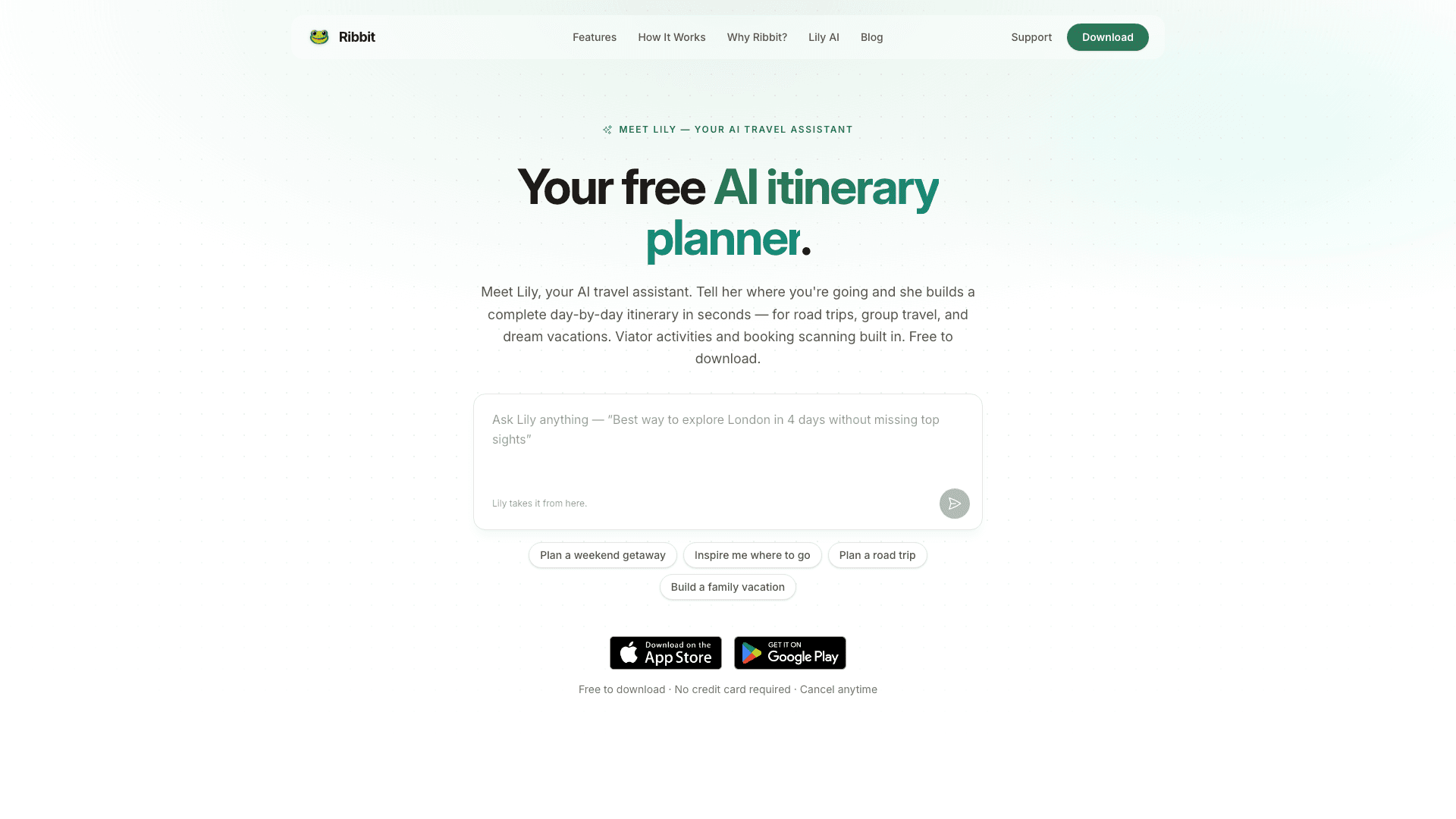
Ribbit is the rare app that plans and organizes without doing either badly. Lily, its assistant, writes a day-by-day itinerary from your destination, dates, interests and budget, suggesting restaurants and sensible scheduling rather than a list of famous buildings. Then the practical half kicks in: it scans your email for confirmations and imports flights, hotels, cars and tours automatically, and it does that on the free plan, which is genuinely unusual, since most rivals put email import behind their paywall.
Groups get proper tools too, invitations, voting on activities, expense splitting by category and shared notes, so the planning argument happens in the app rather than a group chat nobody can scroll back through. Viator integration means activities are bookable, live flight alerts cover delays and cancellations, and there are packing lists for the part of travel everyone forgets until 11pm the night before.
The free tier is genuinely useful: core planning, basic Lily, email import. Ribbit Pro adds unlimited Lily messages, Google Calendar sync, offline access, family sharing for up to five people, road trip optimization and dark mode. The 14-day trial asks for no card, which we appreciate.
Think of it as the middle ground between a pure planner like Mindtrip and a pure organizer like TripIt. It doesn't have Mindtrip's booking depth or TripIt Pro's legendary alert speed, but it's the only one here that does a decent job of both halves without charging you first.
The best all-rounder for families and friend groups, mostly because the free plan includes the email scanning everyone else charges for.
Begin with a short trip and inspect both the AI draft and the reservation organizer. Confirm that suggested activities fit opening hours and travel times, then import one authorized booking and verify its details. Ask fellow travelers to test invitations and shared updates before using voting or expense tools for the whole journey. Keep unbooked suggestions clearly distinguishable from confirmed arrangements. If offline access or calendar synchronization matters, test it while connected and check the current plan entitlement. The combined workflow is most useful when it preserves accurate records after the initial itinerary has been revised.